
Akregator for RSS
 DigitalBox
- Ports
- November 17, 2024
If you need to read on Haiku OS some RSS flows (Really Simple Syndication), a port of the nice Akregator application is available on our favorite system.
This article is a quick presentation of this RSS reader.
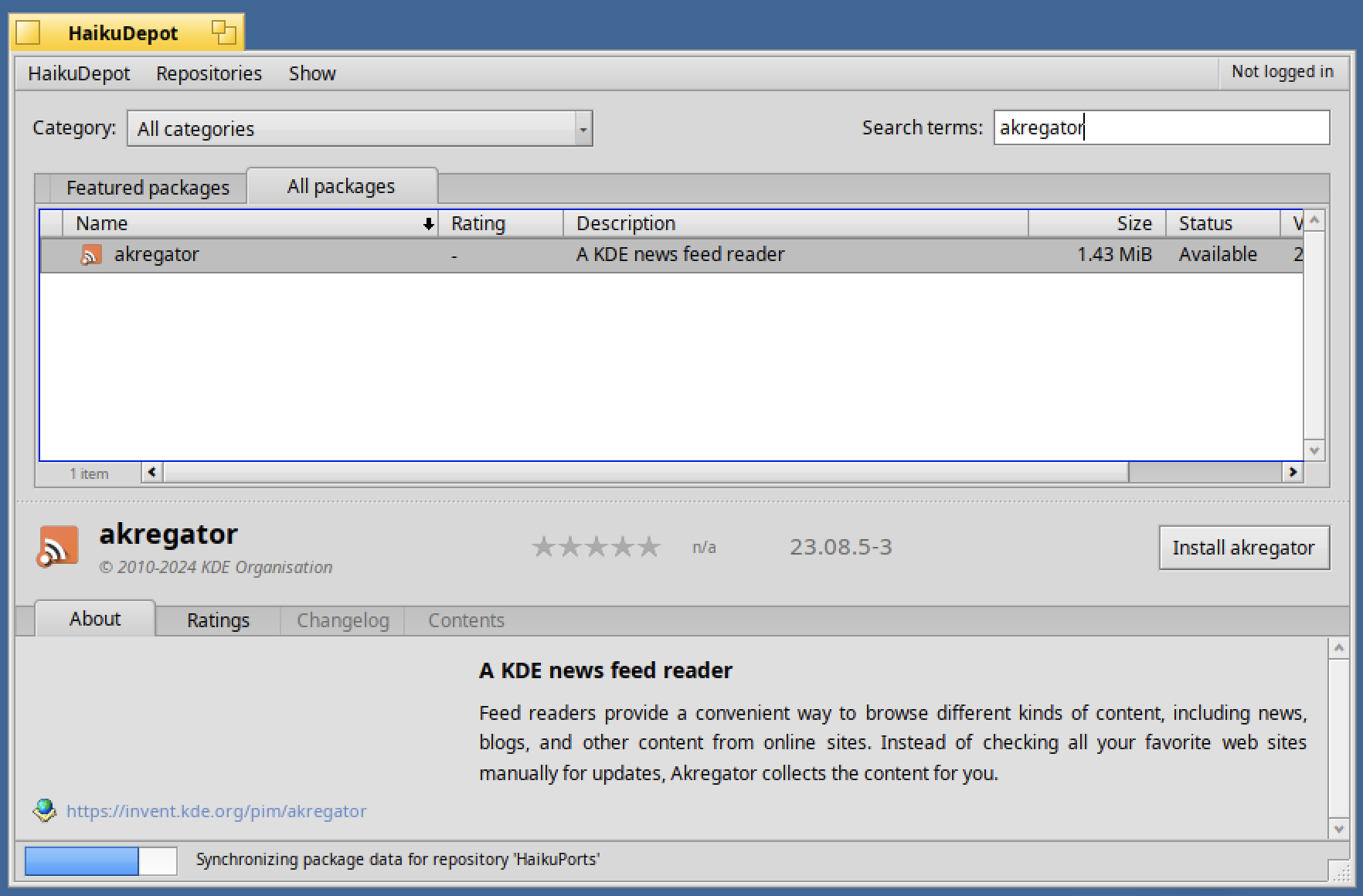
To install Akregator, launch Haiku Depot and type "akregator" in the search box for the "all packages" tab:
Once done, launch "Akregator".
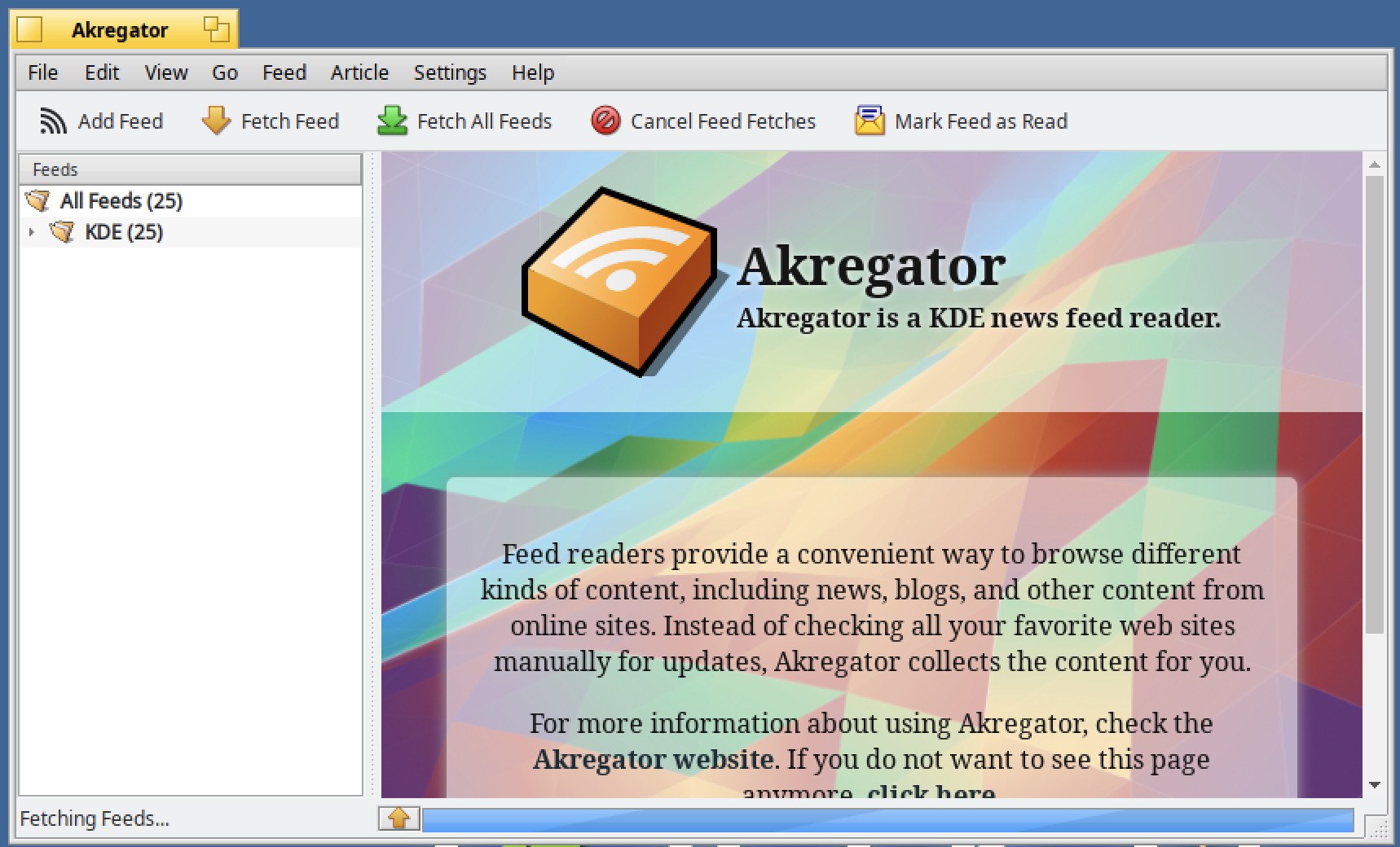
You will this this nice welcome window :
In order to add a new feed, select the "Feed>Add Feed" menu :

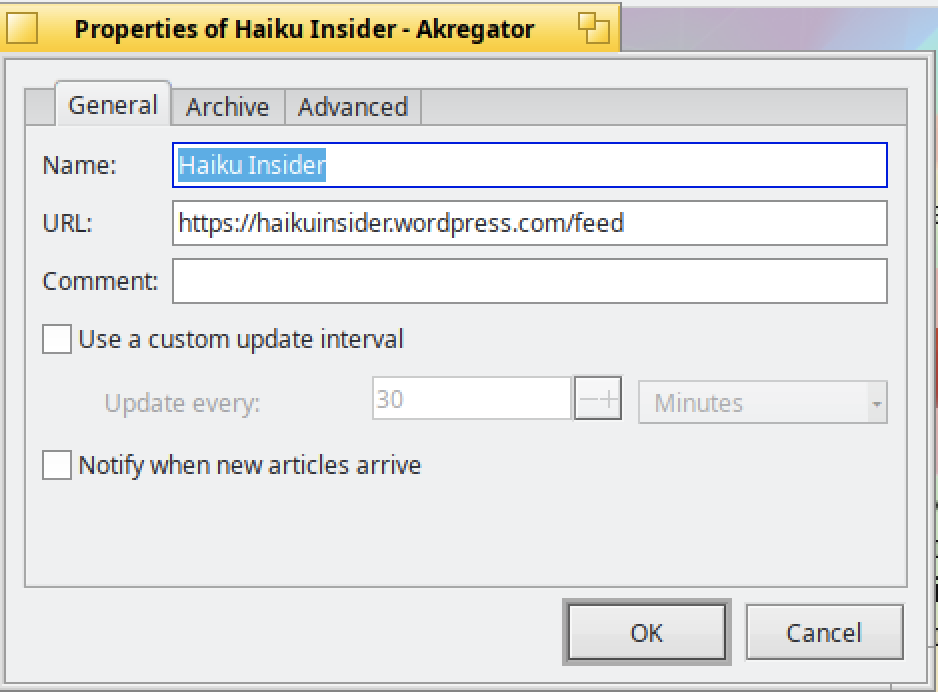
Then indicate the desired RSS flow.
It can be for instance for RSS for the Haiku Insider website :
https://www.haikuinsider.org/rss.xml

Validate with "OK".
In the below window, click on "OK" to confirm :
As you can see the new feed named "Haiku Insider" is displayed :
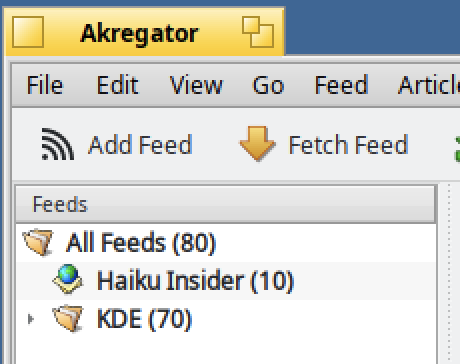
So far more than 30 articles are available.
The articles are displayed by date of publication in descending order :
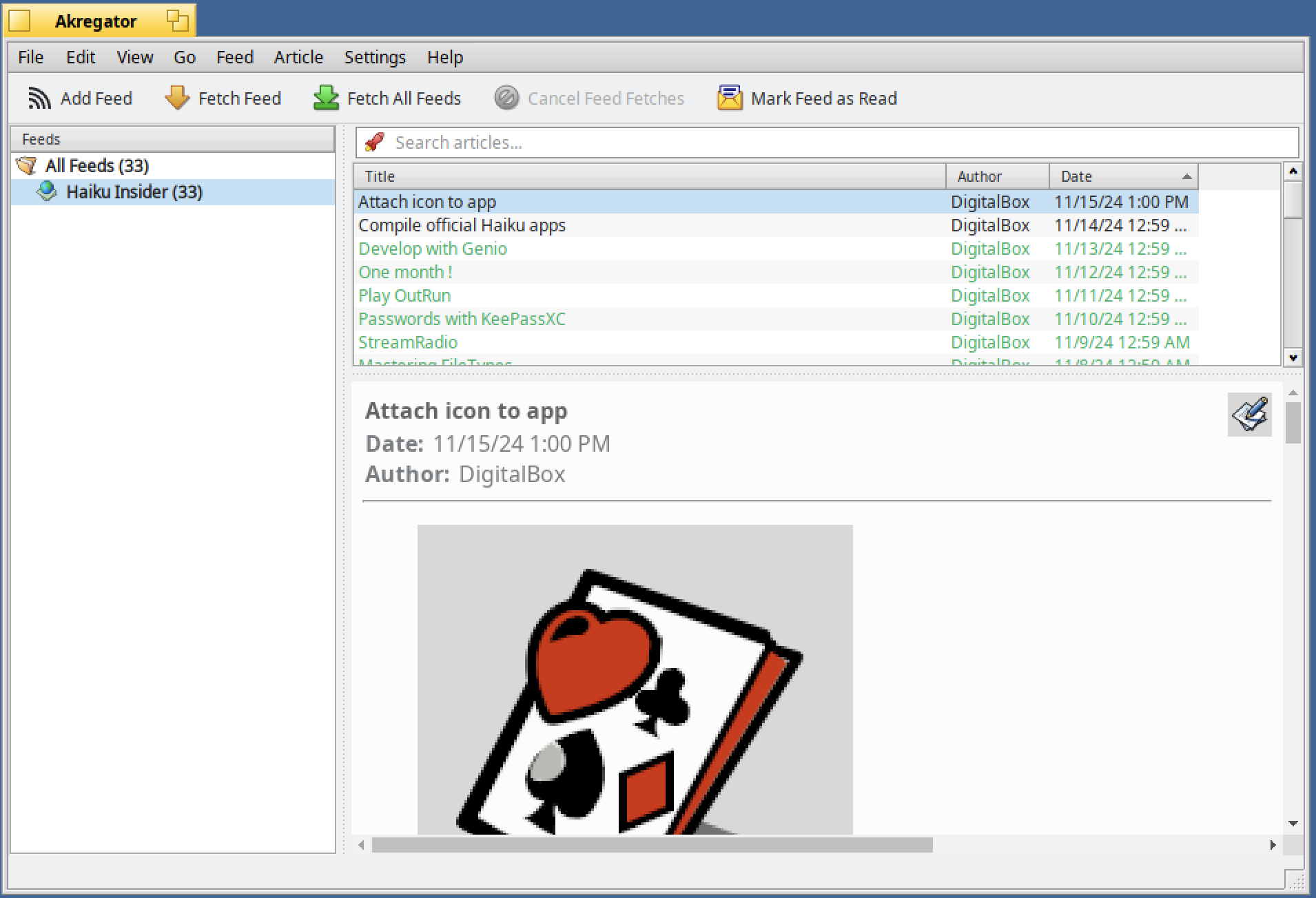
The preview of the article is displayed on the bottow of the window.
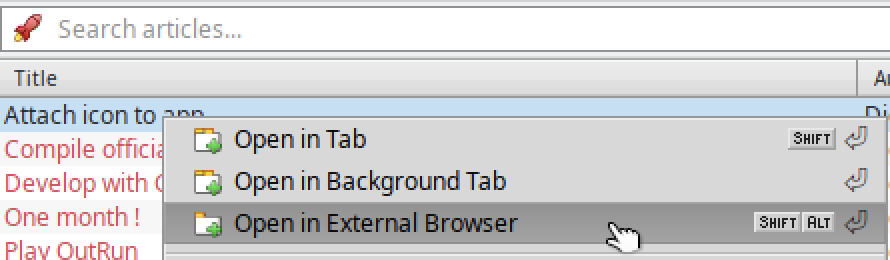
Now, right click on the latest article and select "Open in External Browser" :
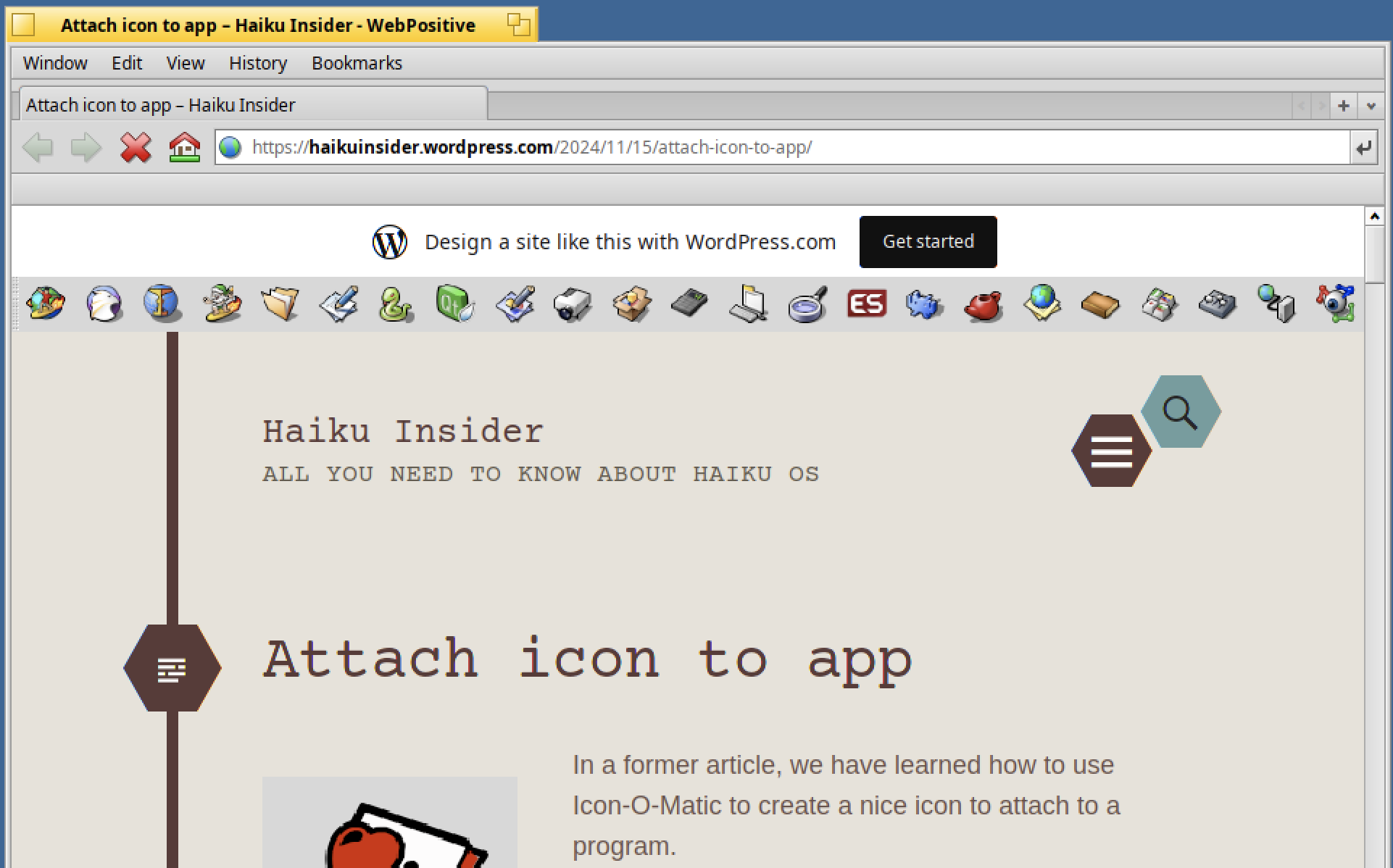
It will then open WebPositive browser to display this article :
If you find other good RSS readers for Haiku, you can share them below with a comment.